
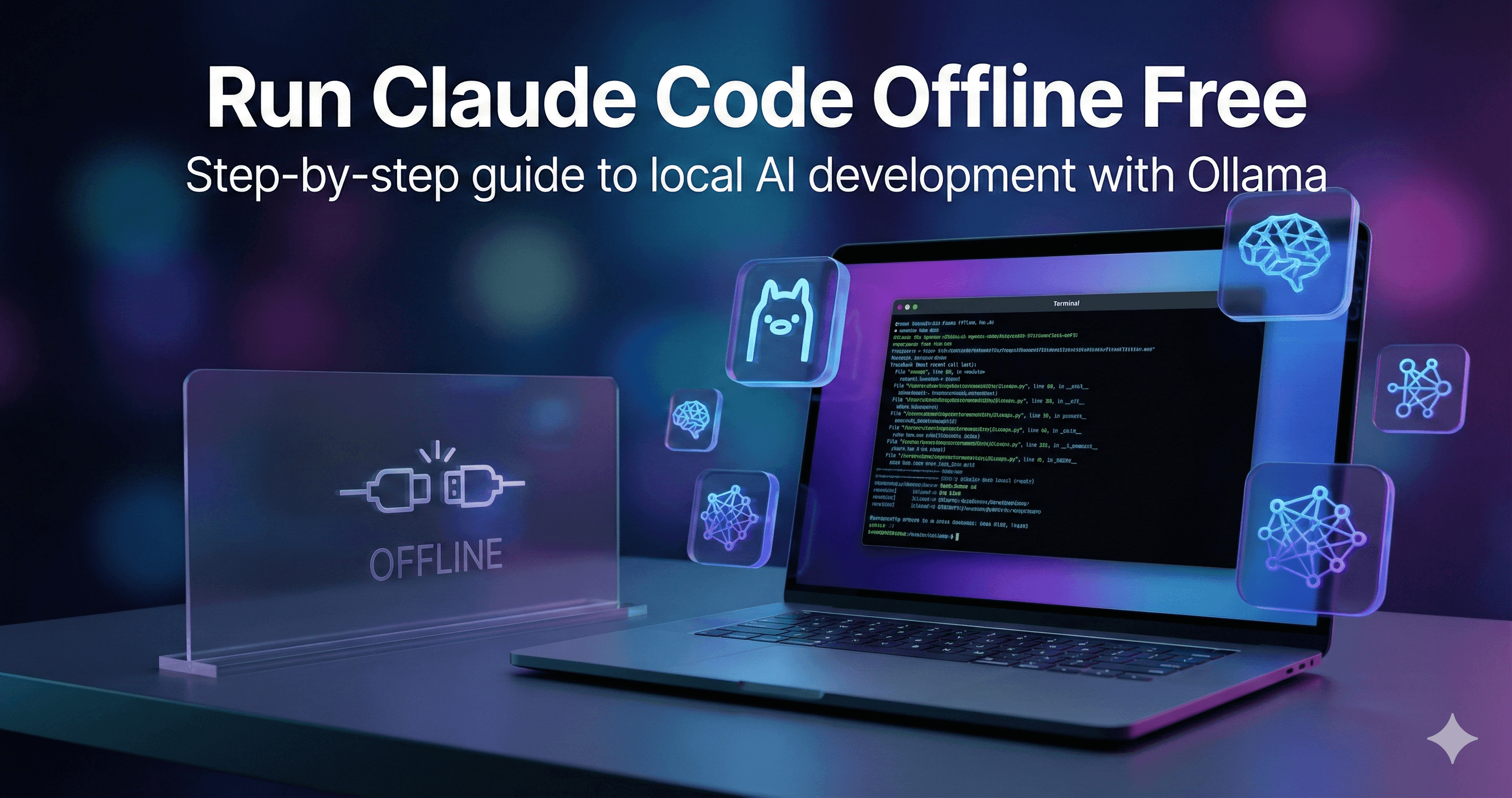
How to Run Claude Code Offline for Free Using Ollama
Learn how to run Claude Code offline for free using Ollama. This step-by-step guide explains how to set up local LLMs...
Ollama allows you to easily run, manage, and interact with open-source large language models locally and in the cloud.
Ollama is a popular developer tool designed to simplify the process of running large language models (LLMs) locally and in the cloud. It provides a seamless interface, acting as a package manager and execution environment for open-source AI models. Users can effortlessly download, run, and manage models like Llama, Mistral, and Qwen using simple CLI commands, ensuring high data privacy since models can execute entirely on their own hardware.
In addition to its strong local execution capabilities, Ollama offers cloud models, allowing users to access massive, datacenter-grade models that wouldn't fit on personal computers. The cloud infrastructure guarantees privacy by not retaining user data and offers features like concurrency limits, weekly usage scaling, and native model weight executions. This hybrid approach enables developers to seamlessly transition between local prototyping and heavy, sustained cloud usage without changing their workflow.
The platform supports robust features for developers including a built-in REST API, native integrations with thousands of community tools, web search augmentation, and support for tool calling. It caters to a wide range of use cases from everyday coding and document analysis to complex multi-agent workflows.
No reviews yet. Be the first to share your experience!
Join thousands of users who are already benefiting from this AI tool.
Get Started Now






Learn how to run Claude Code offline for free using Ollama. This step-by-step guide explains how to set up local LLMs...
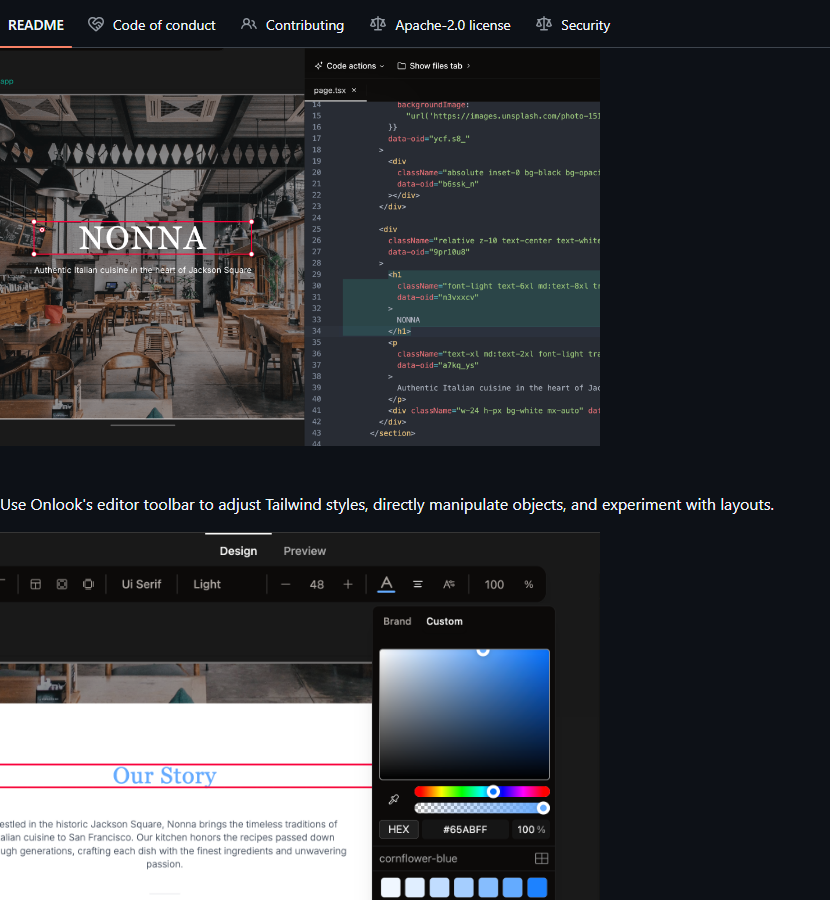 Open Source
Your Ultimate Virtual Assistant for Linux.
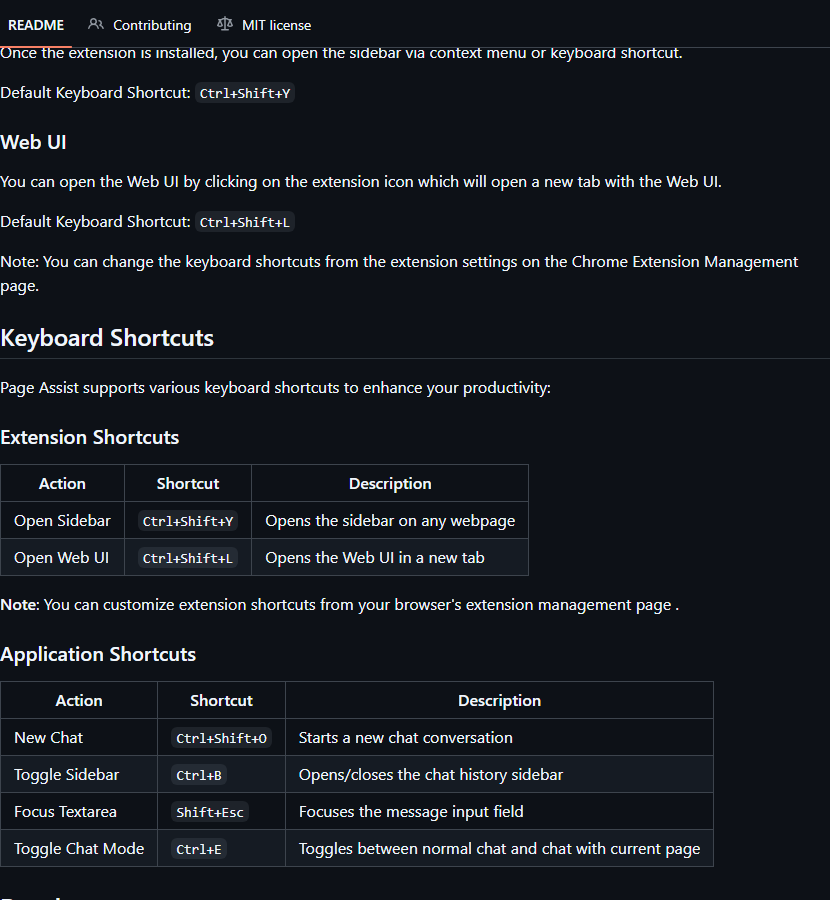 Open Source
Use your local AI models from anywhere on the web.
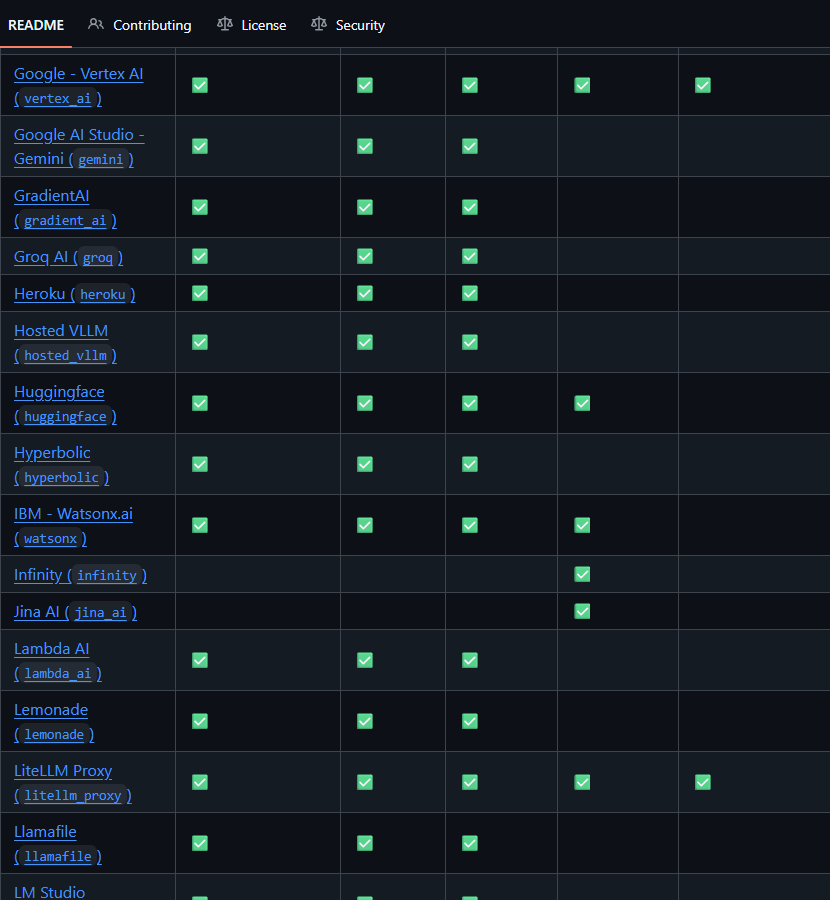 Open Source
Call all LLM APIs using the OpenAI format. Use Bedrock, Azure, OpenAI, Cohere, Anthropic, Ollama,...
 Open Source
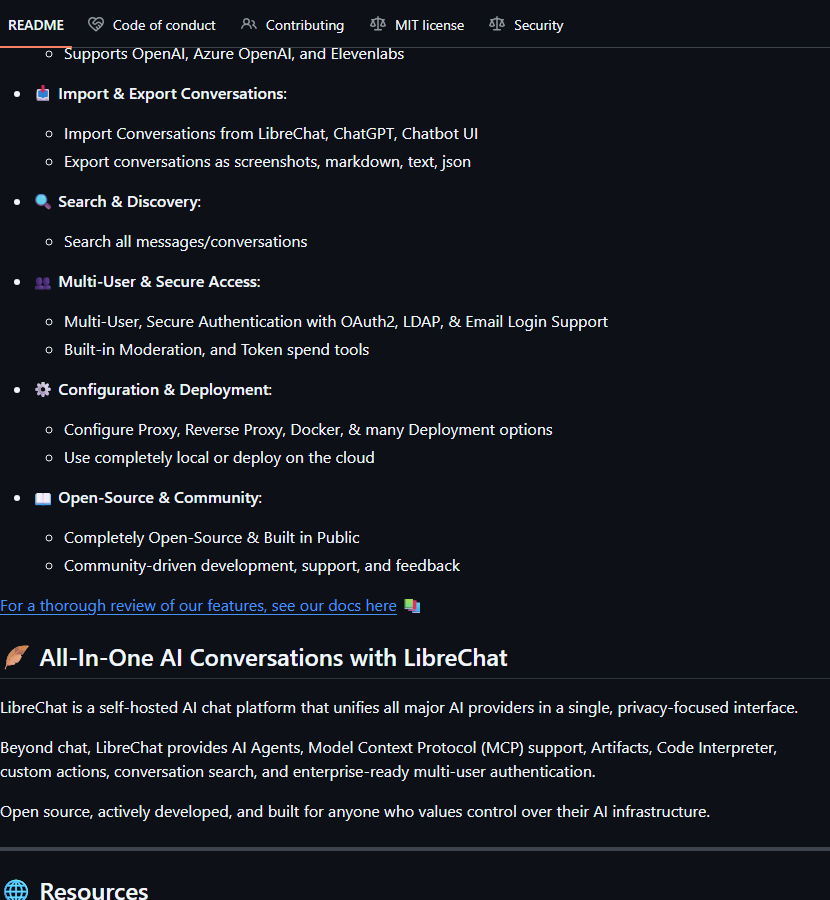
Enhanced ChatGPT Clone: Features OpenAI, Anthropic, Gemini, Groq, Ollama, Assistants API, Custom ...
 Open Source
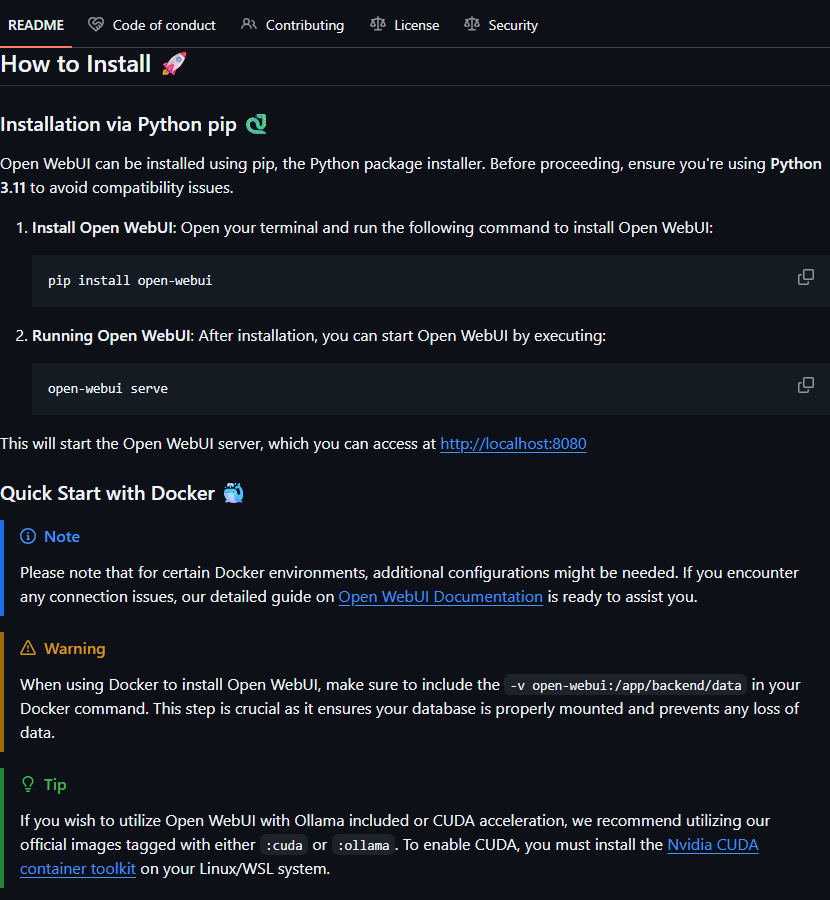
User-friendly AI Interface (Supports Ollama, OpenAI API, ...).