

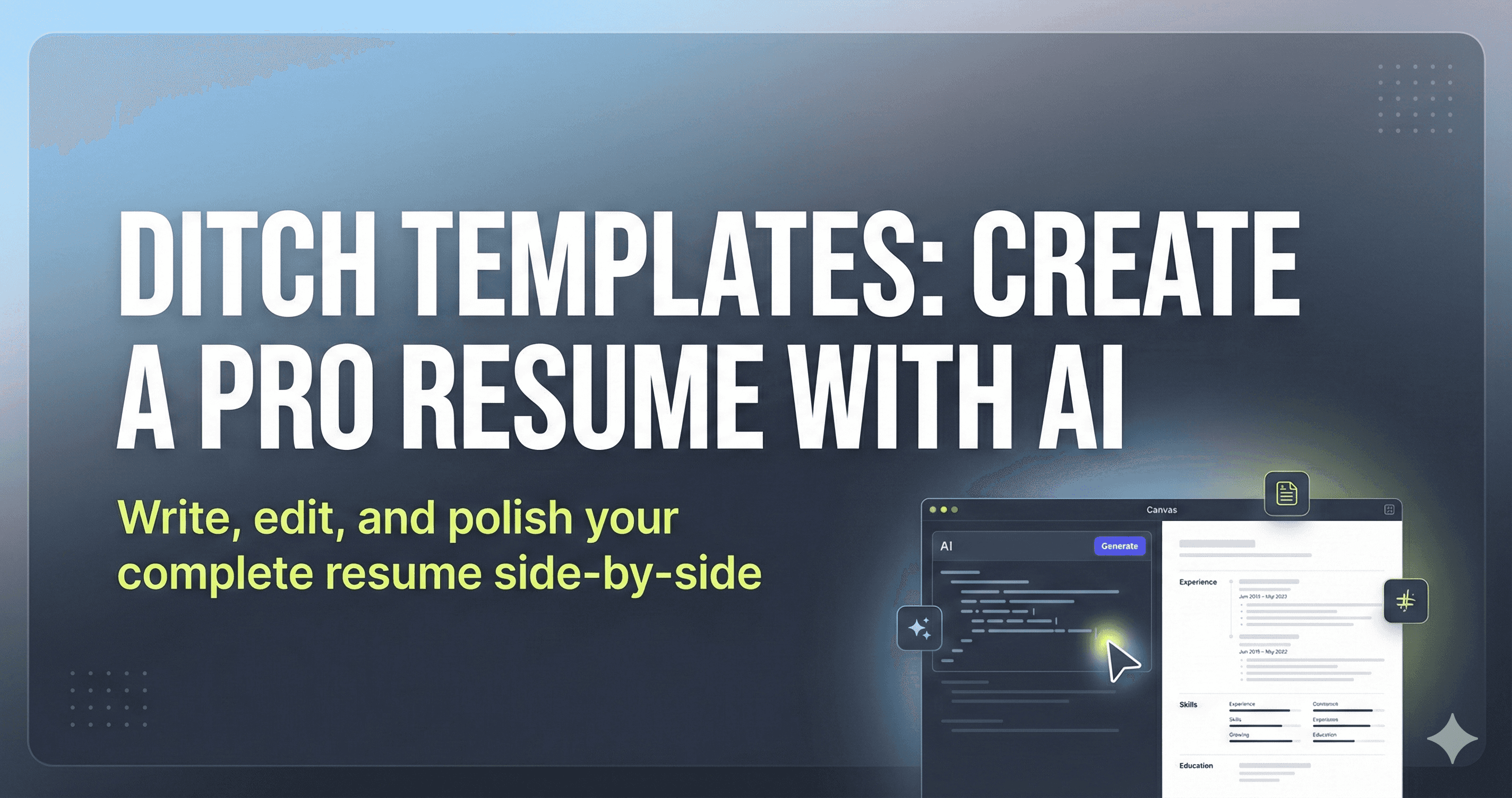
You don’t need templates, design tools, or paid resume builders anymore, because ChatGPT Canvas lets you write, edit, and polish a complete resume side by side, and this guide walks through the exact process step by step.
Launch ChatGPT
You can use any supported model such as GPT-5 or GPT-4o. The Canvas experience works the same across models.
Use Canvas tool
In the message editor, type / to open the tools menu. From the list, select Canvas for a split-screen workspace.
Start resume with prompt
Paste a prompt that clearly defines the role, experience level, and structure you want. For example:
“Create a one-page resume for a digital marketing specialist with 4 years of experience in SaaS. Include sections for professional summary, core skills, work experience, and education. Keep the layout simple, readable, and ATS-friendly with concise bullet points.”Let Canvas generate draft
Once you submit the prompt, Canvas launches automatically. Your resume will appear on the left side, already structured into sections and formatted cleanly.
Review structure before wording
Before editing text, scan the overall structure.
Check section order, spacing, and clarity. This helps you fix big-picture issues early instead of tweaking lines too soon.
Refine content section by section
Ask Canvas to improve specific parts rather than the whole resume at once, such as:
- Rewrite the summary to sound more results-focused
- Tighten job descriptions to one or two impact-driven lines
- Replace weak verbs with stronger, measurable actions
Adjust tone and targeting
If the resume is for a specific role or company, guide Canvas to adapt the language. For example:
- Match keywords from a job description
- Make the tone more technical or more business-oriented
- Emphasize leadership, execution, or collaboration depending on the role
Final polish and export
Do a final pass for consistency, tense, and clarity.
Once satisfied, you can copy the finished resume directly from Canvas and paste it into a PDF, Word file, or job application system.
Note: Use numbers where possible to show impact instead of listing responsibilities.