
Complete AI Prompt Command Library: 400+ Commands for Every Task
Master 400+ AI prompt commands organized across 20 categories. From email writing to coding, this comprehensive guide...

An all-in-one video and podcast editor that lets you edit audio and video as easily as editing a text doc.
Descript is a revolutionary audio and video editing platform that works by transcribing media into text, allowing users to edit the timeline by simply deleting or moving words in the script. It significantly lowers the barrier to entry for producing professional-quality content.
The tool includes powerful AI features such as 'Studio Sound' to remove background noise and enhance voice quality, and 'Overdub' to generate realistic text-to-speech using the user's own voice. Recently, it has introduced 'Underlord', an AI assistant that handles rough cuts, finding clips, and summarizing content.
Key differentiators include its text-based editing workflow, the ability to remove filler words (ums, uhs) with one click, and its collaborative cloud-based architecture.
No reviews yet. Be the first to share your experience!
Join thousands of users who are already benefiting from this AI tool.
Get Started Now
Master 400+ AI prompt commands organized across 20 categories. From email writing to coding, this comprehensive guide...
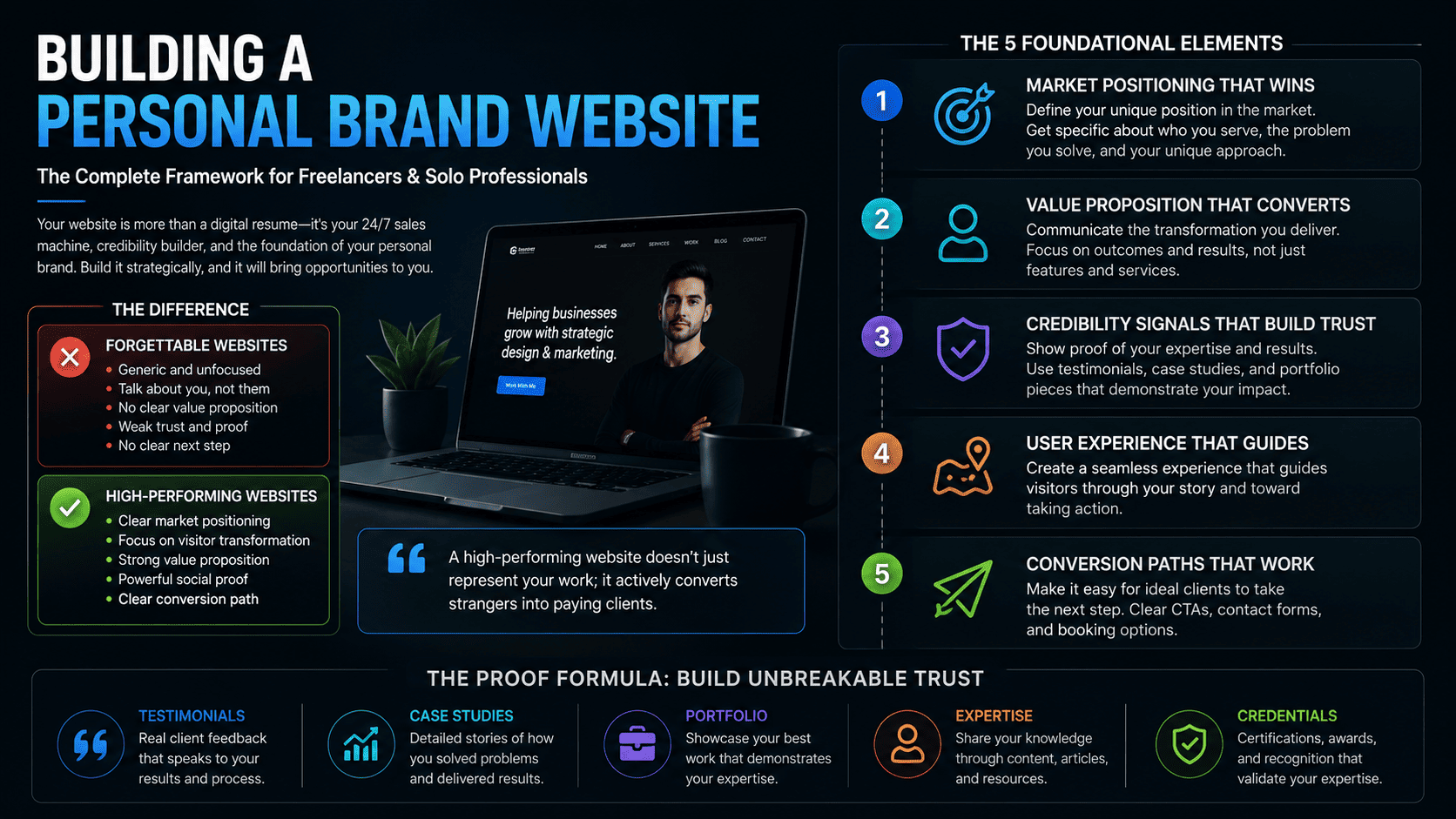
Learn the essential strategies for creating a personal brand website that converts visitors into clients, from positi...

Discover how Manus AI, the first general-purpose AI agent, transforms business automation. Learn how this 24/7 digita...

Discover how to automate your workflow using Scheduled Tasks in Claude Code. This guide covers setting up self-healin...
 Open Source
Valley: Video Assistant with Large Language model Evaluates You.