
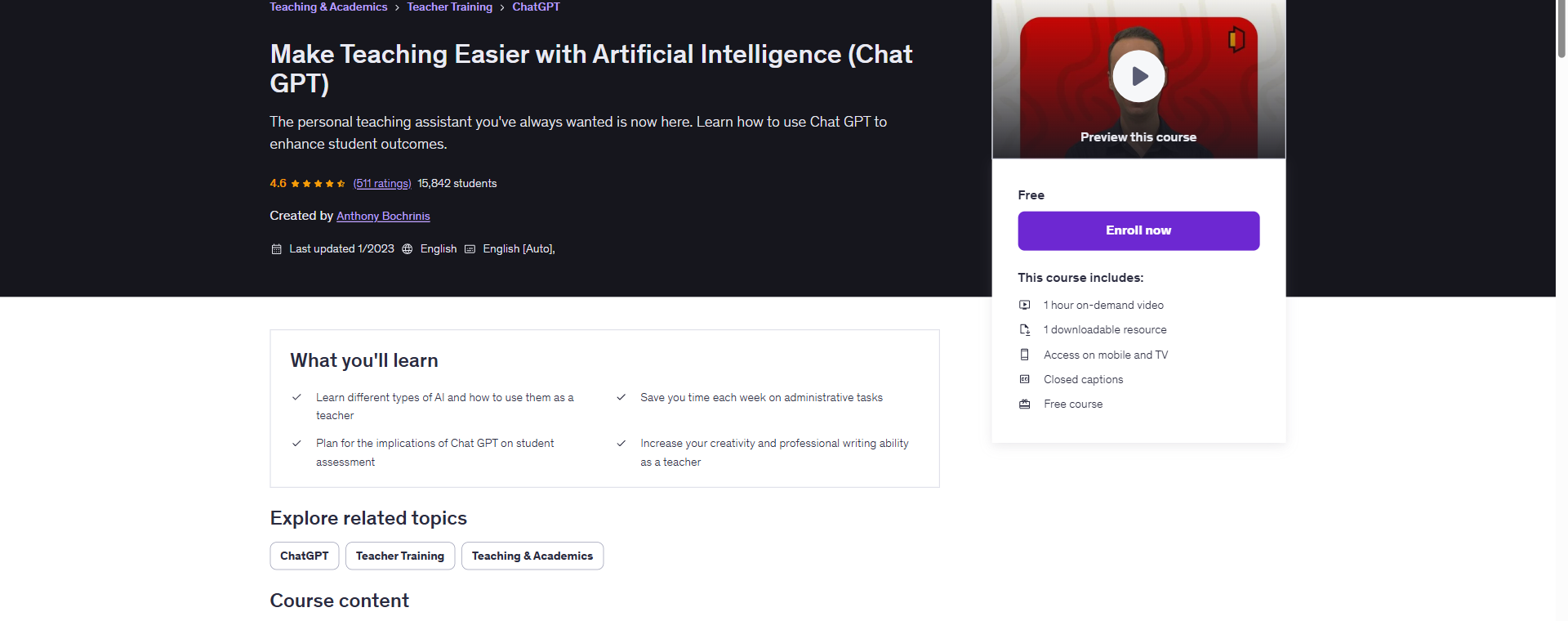
 Free
Free
Make Teaching Easier with Artificial Intelligence (Chat GPT)
The personal teaching assistant you've always wanted is now here. Learn how to use Chat GPT to en...

A visual platform that lets you design, build, and automate anything from simple tasks to complex workflows.
* This is an affiliate link. We may earn a commission at no cost to you.
Make is a visual automation platform that allows users to connect apps and automate workflows without writing code. It features a drag-and-drop interface where users can create 'Scenarios' that link different applications together to transfer and transform data.
The tool distinguishes itself with its visual canvas, allowing for complex logic including branching, error handling, and parallel processing. It supports thousands of apps directly and can connect to any API, making it a powerful solution for optimizing business processes and individual productivity.
No reviews yet. Be the first to share your experience!
Join thousands of users who are already benefiting from this AI tool.
Get Started Now - Affiliate Link
Free
The personal teaching assistant you've always wanted is now here. Learn how to use Chat GPT to en...
Learn how to connect the Facebook Graph API to n8n with this comprehensive step-by-step guide. Master creating Meta a...
Learn how to build and host OpenClaw, a powerful autonomous AI agent. This comprehensive guide covers VPS installatio...
 Open Source
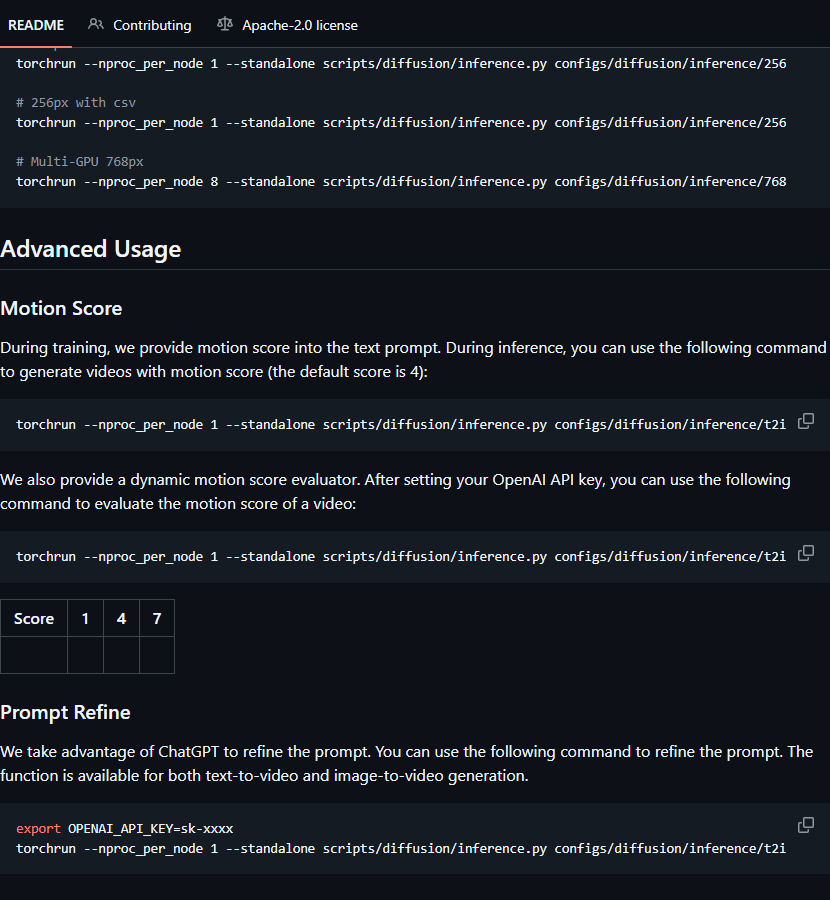
Open-Sora: Democratizing Efficient Video Production for All
 Open Source
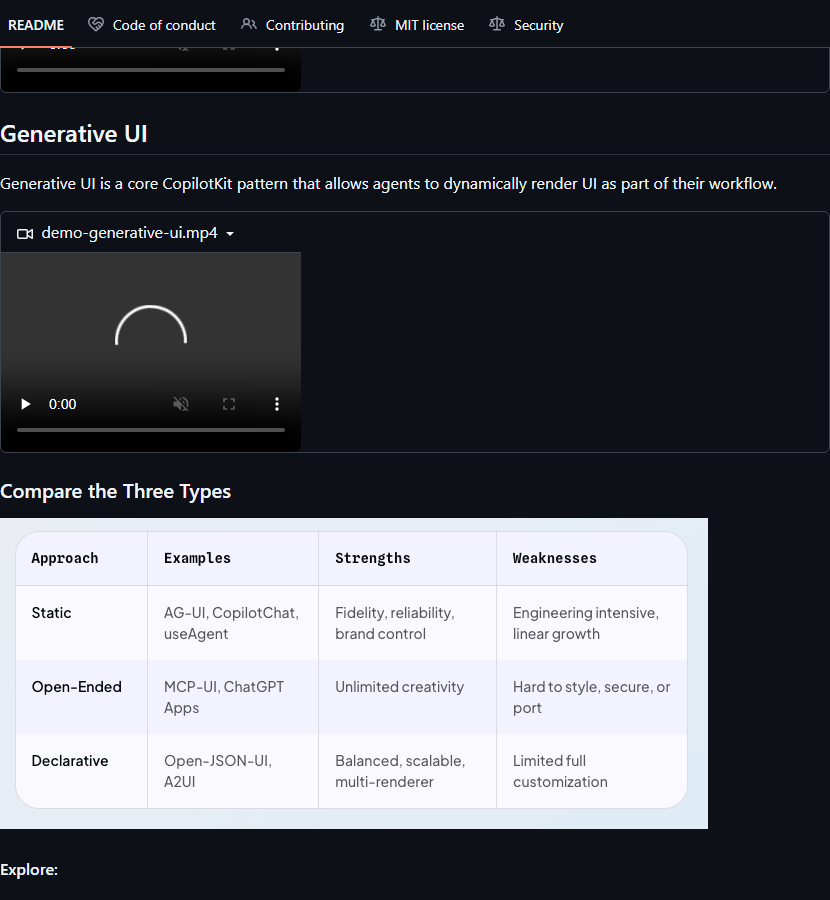
A framework for building custom AI Copilots 🤖 in-app AI chatbots, in-app AI Agents, & AI-powered...
 Open Source
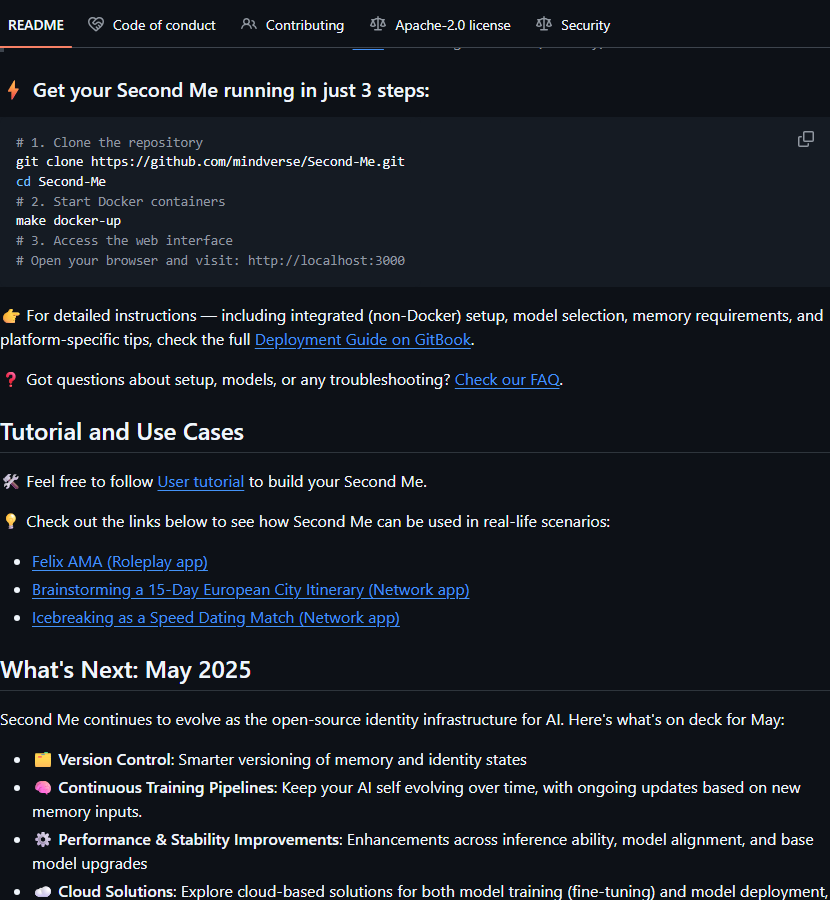
Train your AI self, amplify you, bridge the world.