
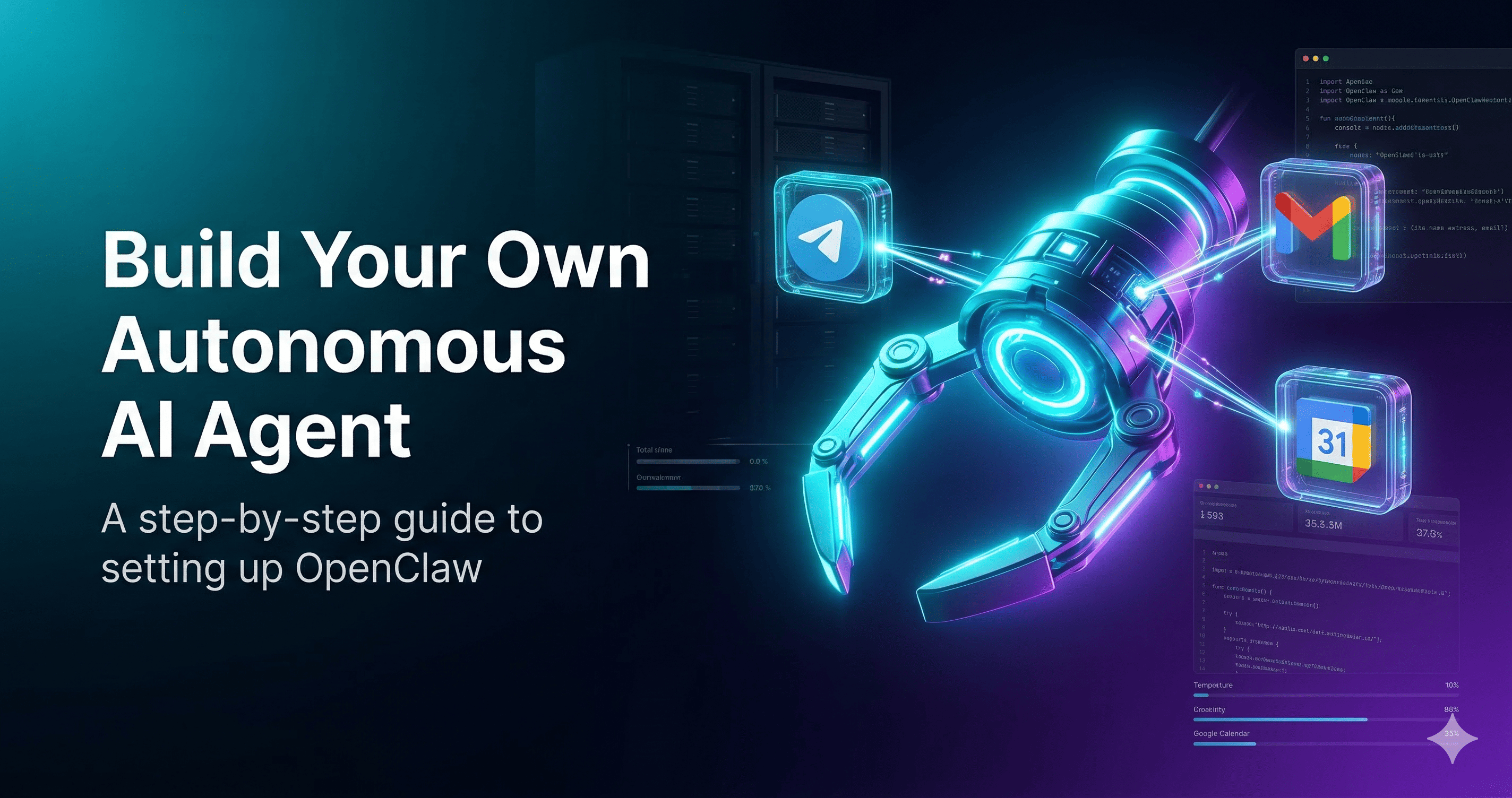
How to Set Up OpenClaw: Build Your Own Autonomous AI Agent
Learn how to build and host OpenClaw, a powerful autonomous AI agent. This comprehensive guide covers VPS installatio...

OpenClaw is a free, self-hosted autonomous AI agent that manages tasks across messaging platforms, terminal, and browsers continuously.
OpenClaw is an open-source, self-hosted autonomous AI agent that operates as a 24/7 personal digital assistant. Designed to run locally on a user's machine or on a private server, the platform connects with large language models (LLMs) like Claude, DeepSeek, or OpenAI to execute complex, multi-step tasks independently of human intervention.
The system functions as a multi-channel gateway, connecting everyday messaging applications such as WhatsApp, Telegram, Discord, and Slack directly to the AI agent. Users can interact with OpenClaw via natural language to command it to navigate the web, write code, automate mundane workflows, or manage daily schedules. It features a persistent memory system and session isolation, enabling it to maintain context over long periods.
A core philosophy of OpenClaw is data sovereignty; because it is self-hosted, users retain total control over their data, API keys, and infrastructure. While it offers unprecedented autonomous capabilities for developers and solo entrepreneurs, its broad system permissions necessitate careful security configurations, such as sandboxing and container isolation, to mitigate potential vulnerabilities.
No reviews yet. Be the first to share your experience!
Join thousands of users who are already benefiting from this AI tool.
Get Started Now
Learn how to build and host OpenClaw, a powerful autonomous AI agent. This comprehensive guide covers VPS installatio...
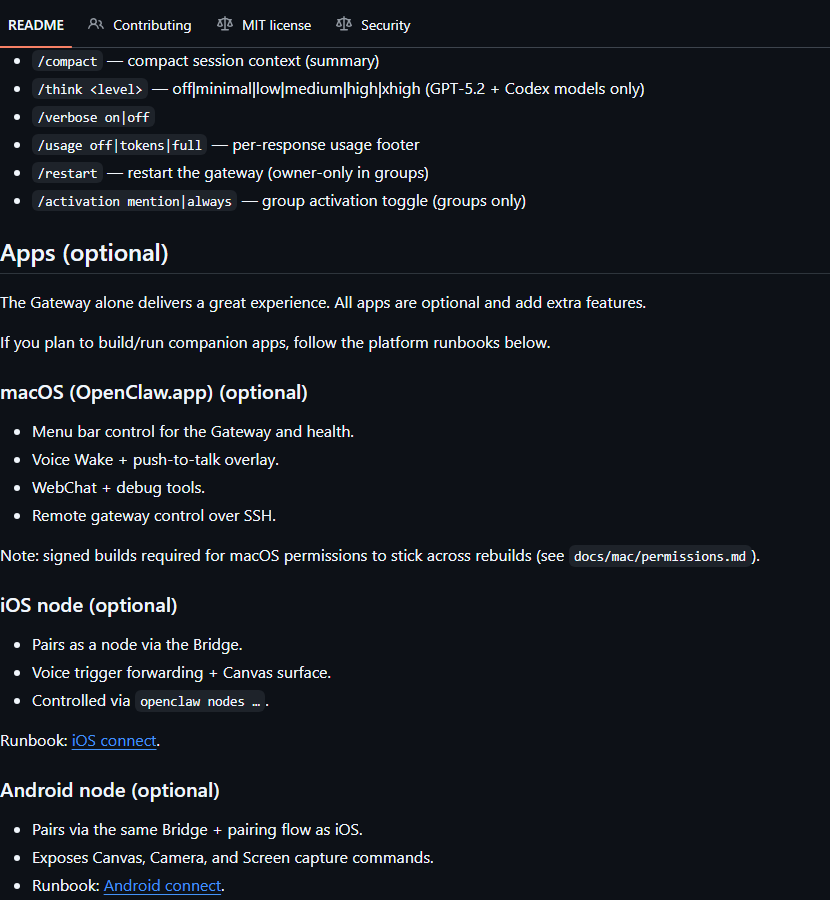 Open Source
Your own personal AI assistant. Any OS. Any Platform. The lobster way.